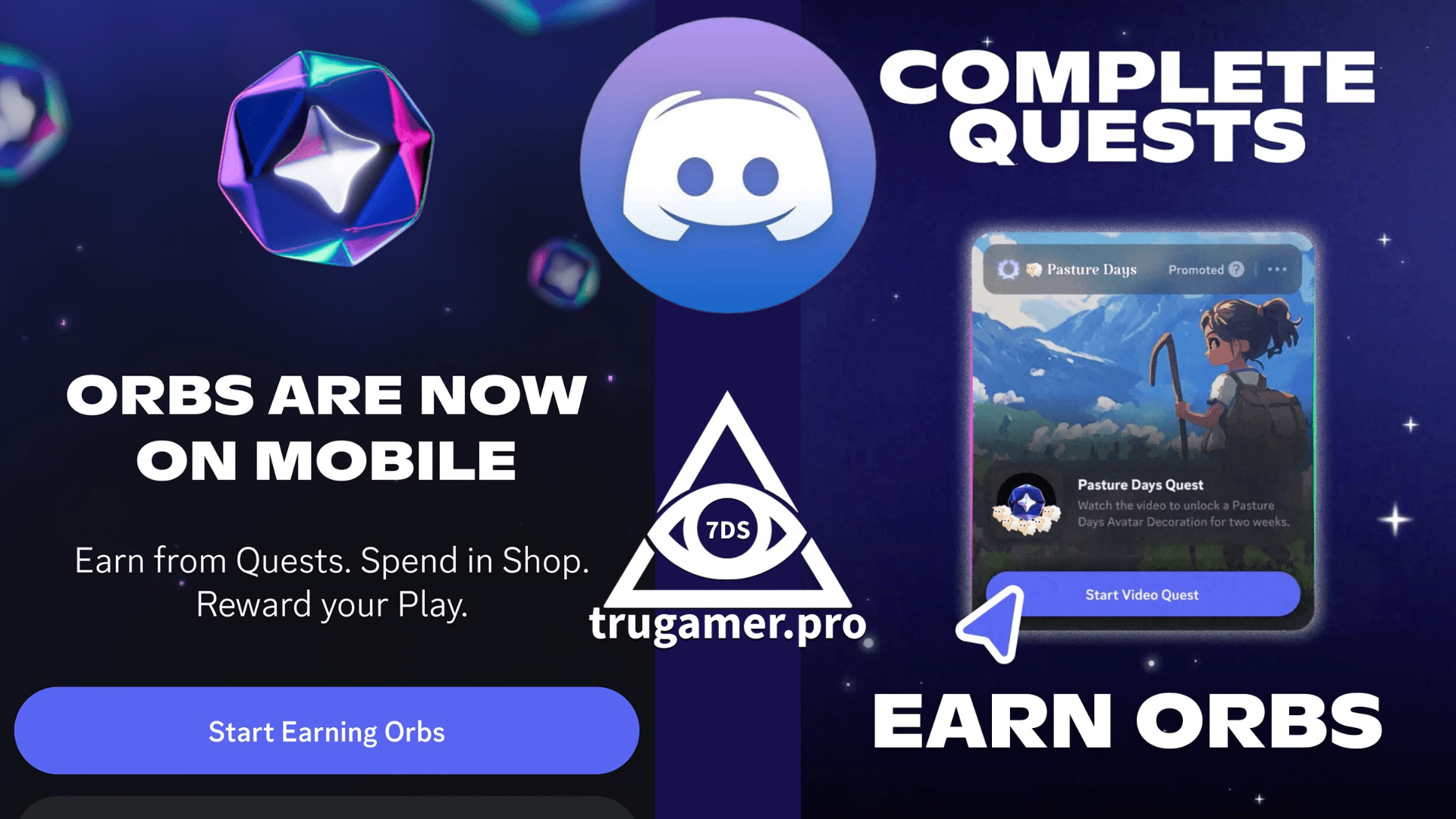
Think of Orbs as shiny coins you collect to unlock premium perks and cosmetics that used to cost cash. It’s Discord’s way of rewarding active users while partnering with brands in a non-intrusive, fully opt-in system.
How to Earn Orbs
You earn Orbs exclusively through Quests—simple interactive tasks that pop up in the app.
Common ones right now:
- Watch a 30–60 second sponsored video (mobile or desktop)
- Try a featured app or game
- Complete a quick survey or mini-challenge
Rewards drop instantly (usually 50–200 Orbs per quest, sometimes thousands during events). Quests refresh daily or weekly, and Orbs never expire.
Quick access guide:
- Mobile (iOS/Android): Open Discord → tap the “You” tab (bottom right) → tap “Orbs Balance” → choose “Earn Orbs”
- Desktop/Web: Click the compass icon (top left) → go to the Quests tab
What Can You Spend Orbs On?
Open the Shop (gift icon) and look for the “Orbs Exclusive” section. Popular items include:
- Nitro Credits (3-day trials of Discord Nitro perks: better streaming, bigger uploads, custom emojis, etc.)
- Avatar decorations (glowing rings, animated auras, themed overlays)
- Profile effects and badges (like the exclusive “Orb Collector” badge)
- More cosmetics added regularly (seasonal frames, effects, etc.)
Prices range from a few hundred Orbs for small items to several thousand for premium ones.
The Bottom Line
Orbs are 100% free to earn, completely optional, and give millions of users access to stuff that used to be paywalled. Whether you want a quick Nitro trial or just love flashy profile bling, it’s a fun little grind with zero downside.
Jump in, knock out a couple of video quests, and let me know what you snag first! 🚀