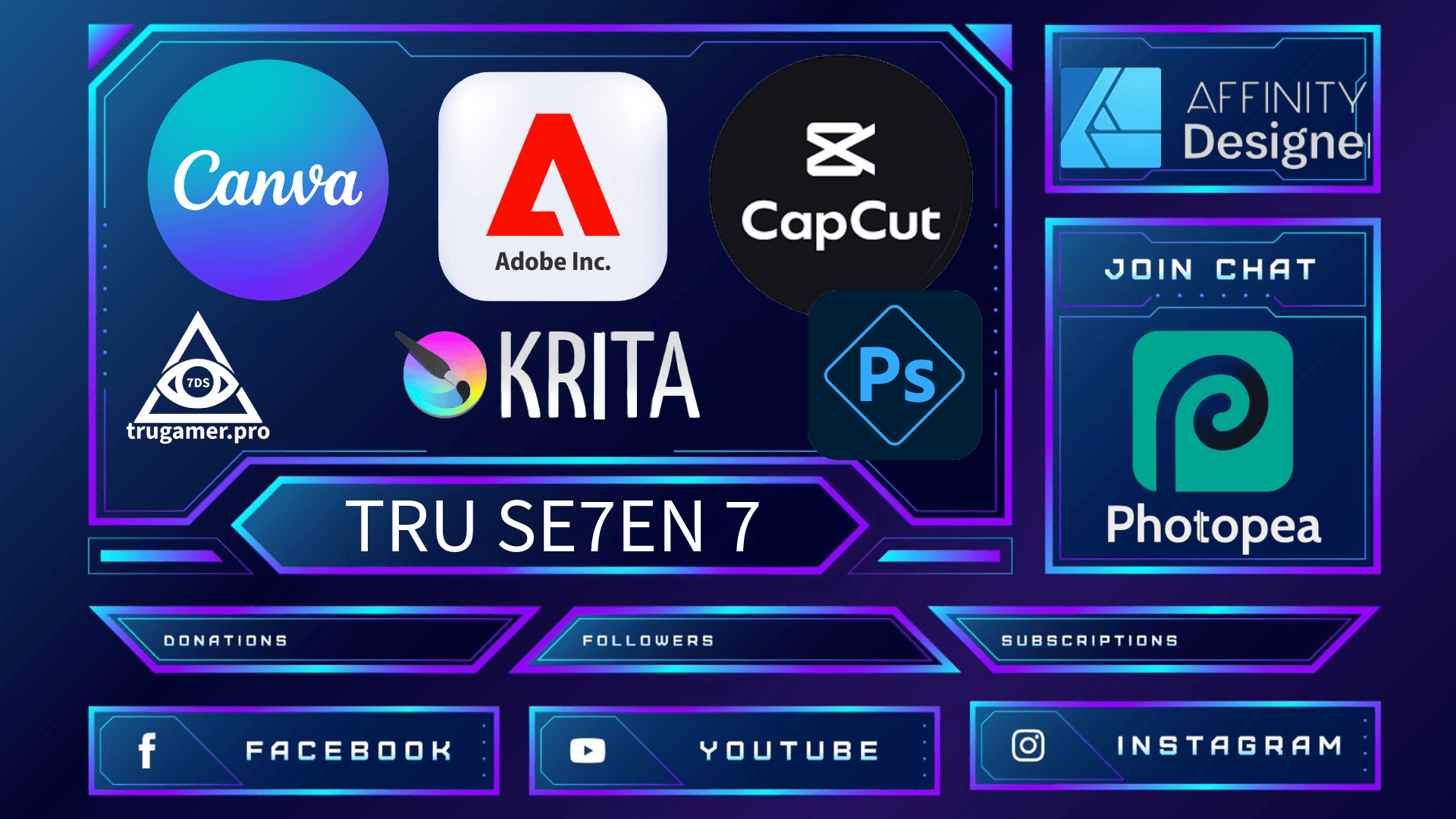
Here’s the no-BS, battle-tested rundown of the best tools right now for building webcam frames, alert animations, border packages, starting soon screens, BRB screens, transitions, end slates—everything that makes your stream look like a million bucks without ever touching a chat box or widget. These are the exact apps thousands of partnered and rising streamers are using daily in 2025 to stay ahead of the copy-paste meta.
1. Canva remains the absolute monarch for 90% of creators grinding daily streams. Browser-based, zero install—punch in "Twitch overlay pack 2025" and boom: 500+ free templates with reactive elements, glitch transitions, and neon borders that sync to your alerts. Drag-drop your webcam cutout, AI-auto-generate backgrounds from a mood board prompt, recolor to your hex code in seconds, export as layered PNGs or loopable WEBMs with built-in countdowns. Free tier covers 99% (pro unlocks unlimited AI for $15/month if you're hooked). Streamers report full kits in 20 minutes, looking $300 custom.
2. For that elite, partner-tier vibe where every transition feels like a VFX drop, Adobe Photoshop + After Effects is unbeatable. Photoshop’s 2025 AI (Generative Expand and Reference Image) lets you fabricate infinite cyberpunk borders or holographic webcam auras from a single sketch; After Effects handles fluid particle alerts and beat-synced fades. Subscription $22.99/month (Creative Cloud All Apps), but it’s the backbone for every big agency and ESL team.
3. Ditch recurring fees? Affinity Designer 2 + Photo 2 (one-time $70 each or $140 bundle) is the quiet mass exodus pros made in 2024–2025. Vector precision, raster power, animation timelines, iPad support, and 2025’s AI upscaling—exports play perfectly with every platform.
4. Instant pro access, no downloads, no cost? Photopea.com—Photoshop in your browser, full PSD support, 4K WebGPU speed in 2025. The go-to for tournament laptops and mid-flight redesigns.
5. Want reactive animations that slap to the beat without learning After Effects? CapCut’s free desktop/web version is the 2025 secret weapon—1,000+ animated overlay templates, AI beat detection, one-click transparent WEBM exports. Half of Kick’s new wave lives here.
6. Quick free shouts: Krita (open-source painting monster), Adobe Express (Canva speed + Adobe polish), StreamElements overlay editor, and Nerd or Die’s 2025 free cinematic builder packs.
Bottom line
Lightning-fast pro look → Canva or CapCut
Forever ownership + depth → Affinity
Absolute peak quality → Adobe stack
Zero money, zero install → Photopea or Krita
Pick one, lock in for an afternoon, and your stream instantly stops looking like everyone else’s.